
Set it up tonight, before you need it.
Waywatch is almost ready for the App Store and Google Play. It’ll be free on iPhone and Android, with every alert mode and every smart trigger included.
The store links will appear here at launch.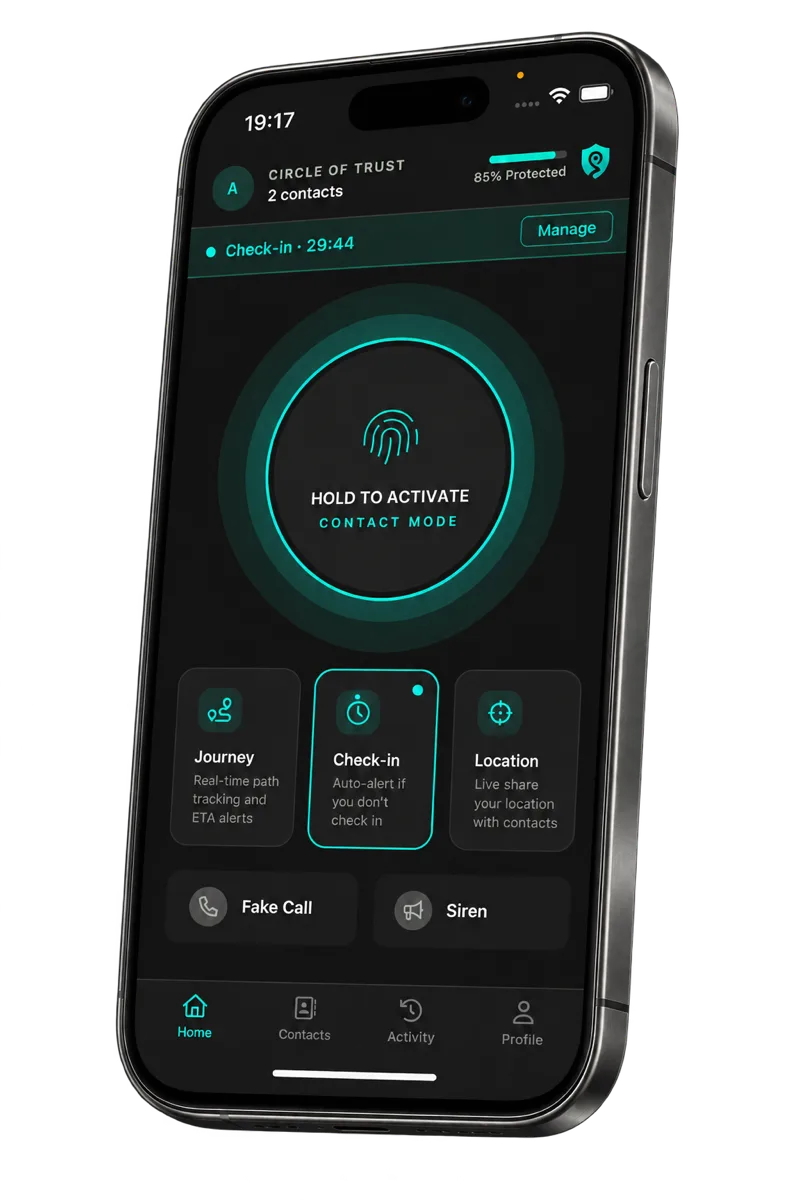
Ready in four steps
Waywatch walks you through it the first time you open it. You can skip anything and come back later.
Download and sign up
With your email, Apple or Google. It takes a minute.
Add the people you trust
Pick them from your contacts. They get an invite, and don’t need the app.
Choose what happens in an alert
Who’s told, in what order, and how soon. Or keep the sensible defaults.
Head out
Start a journey, set a check-in, or switch on smart triggers when you leave.
What it asks for, and why
Here’s every permission Waywatch can ask for, and what it’s used for. Say no to any of them and the features that don’t need it still work.
Location
To follow your journey and share where you are in an alert. Only while something is protecting you.
Notifications
To show a countdown you can cancel, and to tell you when someone you look out for needs help.
Microphone
For your safeword and noise triggers, which listen on your phone, and to record audio in an alert.
Camera
To record video during an alert, if you turn it on.
Contacts
So you can pick people from your phone. Only the people you choose are saved.
Motion
To notice a fall, a crash or a snatched phone.
More on what’s collected and where it goes in our privacy policy.
Here because someone added you as a contact?
You don’t need the app: alerts open from a link. The app just makes them harder to miss.